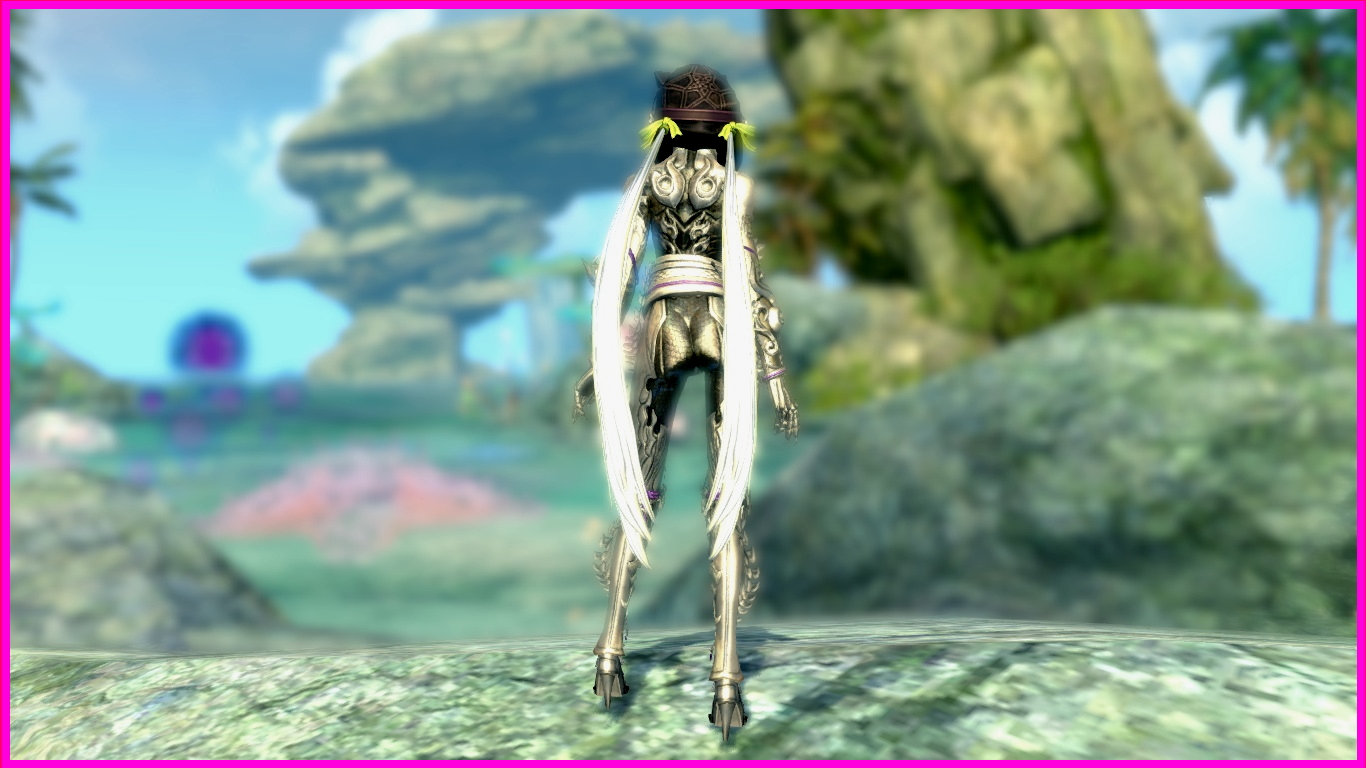
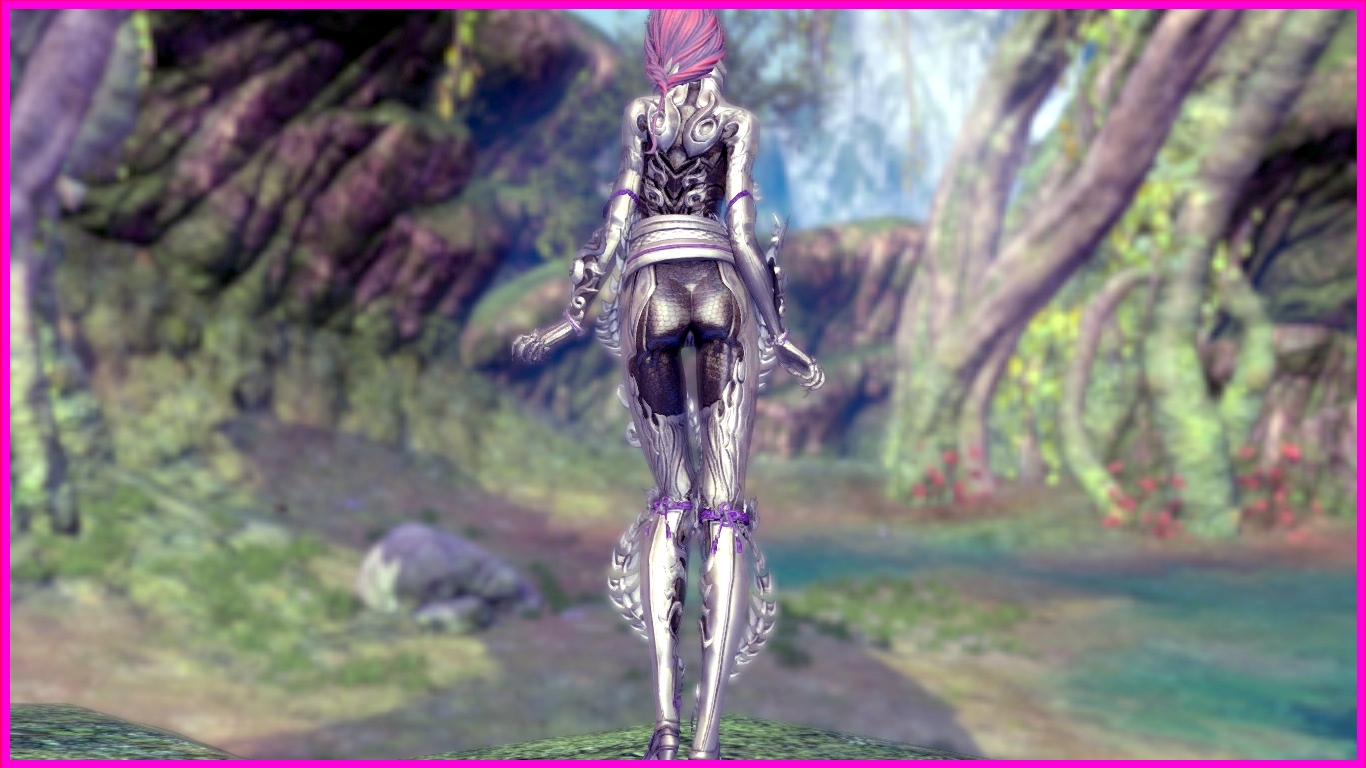
Showing posts with label dragon knight. Show all posts

Wednesday, August 14, 2019

Blade & Soul - Dragon Knight (Jin Outfit) Mod

Exactly one month ago, a patron saw the Gon Dragon Knight mod and asked if I can do one for the Jin version. After clearing away the duo mods of Scarlet Empire and Aurora, I can finally work on this mod that is more time consuming. 😅
  
By now, everyone should be very familiar with this outfit and mod since this is the third one to be done. And looking at how the Gon and Yun Dragon Knight have the same appearance, it is expected to be the same for the Jin.

However, the mesh structures for the three races can be quite different. For the Yun mod, I can recolor the entire lower back to skin tone because the surface is considerably smooth. But that is not the case for the Jin version. Uneven surfaces can be seen quite clearly after I recolored the area to skin tone so I had to retain the armor layer. 

The original outfit can be seen in the following images below.

Front View - Original Outfit
The similar outfit consists of silvery armor pieces over a darker and duller inner layer.

Front Close-up View - Original Outfit
The two spine-like structures similarly wrap themselves around the legs.

Rear View - Original Outfit
Eagle-eyed patrons will be able to see that the entire torso, except the cleavage area, is actually in a same layer. If the torso surface is totally smooth, it can even be mod into a bikini armor. But alas... 😥

Rear Close-up View - Original Outfit
The butt region is observed to be a bit squarish just like the Gon and Yun versions.

Side View - Original Outfit

Side Close-up View - Original Outfit
The time consuming aspect of this mod is the need to properly align the skin layer over the mesh and after that, carefully erasing all the unwanted areas.

Because the armor and skin is now on the same layer, it can cause some overlapping of skin-armor boundary to occur. As such, the erasing work need to be conducted carefully, not only on the Diffuse texture but the Normal, Specular and Mask as well.

After much work, if you look at the mod close enough, it is still possible to see overlapping occur. 😰

Well, you can check out the modified outfit in the images below.

Front View - Modified Outfit

Front Close-up View - Modified Outfit
Both thighs have been recolored to skin as seen in the images above.

Rear View - Modified Outfit
The rear view looks similar to the Gon with the retained armor that stretches down towards the lower back.

Rear Close-up View - Modified Outfit
But the G-string is same for all three. 😆

Side View - Modified Outfit
The sides of the torso is also in skin tone after the mod.

Side Close-up View - Modified Outfit
After doing the three mods, I am not satisfied with the butt area due to the existing of sharp edges when looked from the side. This is due to the mesh structure and cannot be helped... Perhaps I should not turn the whole area into G-string. 😔

The other unsatisfactory issue is the overlapping of skin-armor boundaries (a.k.a. color bleeding). To perfectly solve this, I may even need to recolor on a per pixel level but that would be too time consuming. 😰

Anyway, this completes the Dragon Knight series.

You can watch the video to get a closer look at the mod and see whether you can spot the color bleeding. My Jin character is lucky enough to fish this outfit out of the recent trove, so you can get to see the mod from different angles.


Wednesday, July 24, 2019

Blade & Soul - Dragon Knight (Yun Outfit) Mod

Soon after I made the Gon Dragon Knight mod, a patron requested for the Yun version; and a little later, another requested for the Jin version. Since the Yun request preceded the Jin one, I decided to do for the Yun first.

With the ending of the recent trove event, the chance to obtain this outfit has also gone 'poof' in the wind... at least for then next few months, until NCWest decides to put it up for sale again in whatever form, such as event outfit or outfit in a chest. 😢

Just as an information for non-players, outfits in Blade & Soul are normally character-bound except for some special ones, for example the Dragon Knight. Such outfits are account-bound and can be sent via mail, using outfit transfer stamp, to other characters in the same account.

Although I got the Dragon Knight on my Jin, I am reluctant to send the outfit with the free outfit transfer stamps, which came with the free premium compensation. If you do not already know it, premium players get twenty outfit transfer stamps for free each month. So with the free premium, I quickly grabbed the stamps and let them stay in the Received Items until I need them in the future.

The free premium came as a compensation for a bug which caused weeklies raid to reset too early, causing some players to loose out on their weekly rewards. By the time of this post, there had been four such compensations (in the form of free weekly chests on the online Hongmoon store). Each of these chest give two days of free premium, so by now, there is a total of eight days.

But the eight days can be 'extended' to sixteen days by logging into the EU server and purchasing the same chests on there. Although the chests remain in the Received Items in the EU server, the premium is shared with the NA server. Therefore, eight days each on NA and EU servers together give a total of sixteen days. I am not sure whether this is intentional or some bug but since it can be done, why not make use of it. 😅 Someone even made a YouTube video on this.

Well, so much for some in-game information. Let's turn our attention back to the outfit and take a look at the original Yun Dragon Knight in the images below.

Front View - Original Outfit
Dragon Knight share the same appearance across all three races.

Front Close-up View - Original Outfit
The same outer armor over the tight inner layer, the thick belt and the spine-like structures that wrap around the legs and run from the waist to ankle.

Rear View - Original Outfit

Rear Close-up View - Original Outfit

Side View - Original Outfit

Side Close-up View - Original Outfit
Since the requester did not specify any detail, I figured that I should do the same mod as the Gon Dragon Knight.

Similar to the Gon mod, I recolored the dark inner layer on the legs, side torso and back into skin tone. Likewise, I made a G-string for the Yun. 😅

Unlike the Gon model, the lower back of the Yun looks much smoother and can be recolored to skin tone too. However, the Yun's butt area has more angular surfaces that disrupt the smoothness. 😰

Let us view the finalized Yun Dragon Knight mod below.

Front View - Modified Outfit

Front Close-up View - Modified Outfit
As seen above, the thighs and knees region have been recolored to skin.

Rear View - Modified Outfit
The same goes for the back and butt region. But notice that unlike the Gon mod, The mid portion of the Yun's lower back can also be recolored to skin.

Rear Close-up View - Modified Outfit
The butt with G-string looks all smooth and great from the direct view, but when viewed from the sides, sharp edges can be seen (warning it cannot be unseen 😧 ).

Side View - Modified Outfit
The sides of the torso have also been recolored to skin as seen in the images above and below.

Side Close-up View - Modified Outfit
Comparing to the Gon mod, the only difference is in the lower back as mentioned above. But prior to the finalized version, I had actually trimmed the armor on the outer thighs, from waist level down to thigh level. Unfortunately, that version reveals even more angular surfaces so I settled for this version. 😥

With this, we have reached the end of this post. Catch the video, which is made in the Monkeystone forest in the Moonwater Plains map, for a better look at the mod.

Just for some fun facts about the Sacred Beast Ogong. I belief Ogong is derived from the Monkey King or Monkey God - Sun Wukong, from the Chinese mythological tale "Journey to The West". The west here refer to the realm where the Buddha resides and not the western part of our world. The party which sets out from China travelled west, through the Silk Road, to seek audience with the Buddha and fetch Buddhist scriptures back to the then Tang Dynasty.

For those who are familiar with Dragon Balls animation and manga series, you will probably know that the young Goku is also a derivation from the Monkey King - Sun Wukong (Goku's name in Chinese comics is actually the same as the Monkey King).

These derivations of Ogong and Goku from Sun Wukong is evident from the fact that they are kind of monkey related (tail in Goku's case and his transformation into a giant monkey at the sight of the moon) and that they all use an extendable magical pole for weapon. They even has the same ability to ride cloud as in Sun Wukong. It is even much more obvious in Ogong's case where he actually wears the same circlet and similar clothing; and had traveled to and messed up the Divine realm - stealing and eating divine peaches.

Sun Wukong is known to be a monkey born from a piece of monkey shaped stone after being extensively exposed to divine energy of Heaven and Earth. So he is also lesser known as the Stone monkey and that is where the forest's name - Monkeystone came from. 😅

And that is not all. If you have ACTUALLY played Blade & Soul right through, including all the mini quests, you will come across a series of mini quests (in Silverfrost Mountains) where you help a monk form a party to battle evil. You helped him recruited Wulong (any Dragon Balls fan recall this name and who owns it? 😆 ) - a pig type NPC and Sally - a fish type NPC. These two NPCs are also derivation from the other two disciples of the monk in "Journey to The West" - Wujin (a.k.a. Zhu Bajie, 猪八戒) and Wuneng (a.k.a. Shaseng, 沙僧). Needless to say, Wujin is a pig type being while Wuneng is a water type being. In the quest series, the last one that you helped the monk recruit is, of course, Ogong. Although in the "Journey to The West" story, Wukong is the first to become the monk's disciple.

Looks like I have drifted off too much, so I will stop here in case I start talking about Dorothy and her friends from Oz. 😅

Wednesday, July 3, 2019

Blade & Soul - Dragon Knight (Gon Outfit) Mod

If you are a Blade & Soul player and you see the title of this post, you might be envious or jealous, and thought I have been 'whaling' my credit card. But no... I don't have the outfit nor do I have the luxury to swipe card so as to obtain all the new outfits. 😭 I just notice it as a good candidate for mod, similar to the Cutting Edge, so I did the mod.

For the non-players who are wondering what I am bubbling about in the paragraph above, let's just say that this outfit is currently obtainable if one has the ability to swipe in real life or just so very lucky. 

To explain a bit more, the in-game trove event is currently on, where players can 'open' an in-game treasure chest to get a variety of items daily. Initially, the chest has only two spaces that contain two items in which players can choose one of two. But the spaces can be expanded up to seven (by buying in-game expansion tickets) so you can choose one out of seven random items.

The chest is also ranked from one to three stars randomly when opened, with one star giving common items, while three stars chest granting highly desirable items. Outfits appear in the two stars chest. Unfortunately, even a two stars chest is a rare thing and even if so, may not contain any outfit. 😞

The chest can be reset by using a 'key' that can be bought from the online store and that is where rich players (in-game and/or in real life) can take advantage to open the chest indefinitely until they obtain the items they want.

As such, it is not easy to obtain any of the outfits unless you are really lucky or have so much vitamin M in real life that you can simply swipe all those outfits into your wardrobe. 😮

Well, enough about the information. Let us take a look at this shining piece of armor worthy of a knight.

Front View - Original Outfit
The torso portion of the outfit is laden with scale like pieces and claws can be seen on the finger tips and toes.

There is also a spine-like structure that runs from the waist all the way down to the ankles.

But the dead giveaway of a dragon is the helmet, which is not shown here.

Front Close-up View - Original Outfit
The outer metallic layer is worn over a soft inner layer as shown in the images above and below.

Rear View - Original Outfit

Rear Close-up View - Original Outfit
The darker areas are the soft layer while the white shiny areas are the hard armor.

Side View - Original Outfit
There is also a thick metallic belt that wraps around the waist.

Side Close-up View - Original Outfit
This is an outfit with beautiful details and does not seem easily mod-able but the inner layer kind of reminds me of the Cutting Edge outfit. So I wanted to see if I can convert the inner layer to skin layer as I did for the Cutting Edge.

You can decide whether it is successful by comparing the modified outfit below.

Front View - Modified Outfit

Front Close-up View - Modified Outfit
In the two images above, you can see that the sides of the torso and the thighs have been recolored to skin layer.

Rear View - Modified Outfit
The butt! 😍

Rear Close-up View - Modified Outfit
The skin layer at the sides of the torso extends to the back but the center portion of the torso is not a smooth surface so I have to keep the metallic look.

If I have recolored the center portion to skin, you will get a jagged skin surface which will look unnatural. 

Fortunately, the butt area is quite smooth so I can borrow the Gon Stinger's butt design and replicate it here. 😅 

Side View - Modified Outfit

Side Close-up View - Modified Outfit
Eagle-eye patrons, may find some unsmooth areas on the skin layer and those are due to the mesh structure. Normally, these areas are not suitable for repainting to skin just like how I kept those armored areas in the outfit. But I find that they are not that jagged so I repaint them anyway. 😥

You can get a better look at the mod in the video below, which is made using the Tailorshop again since I do not have the outfit.  😥